
Military training simulator software: scenarios, simulation and instructor control
How military training simulator software manages scenarios, VR, ballistics, targets, instructor control and results analysis.
Military training simulator software is the part of a training system that forms the environment, runs the exercise scenario and connects user actions with virtual targets, weapons and results.
Depending on the system, software can model terrain, time, weather, ground or aerial targets, weapon and ballistic parameters and instructor control.
English terms include military training simulator software, military simulation software and combat simulation software. This is not necessarily standalone software: in a specialized trainer it works with hardware and training equipment.
What software does in a military trainer
Hardware defines how the user interacts with equipment; software defines what happens during the exercise. One hardware set can serve different tasks when software changes locations, targets, distances, conditions and scenario parameters.
Software receives data from training equipment and turns user actions into simulation events: a shot at a virtual target, MANPADS operator actions or a shooter’s response to a moving FPV drone.
Training scenarios and the exercise editor
A core software task is building an exercise. The instructor selects or configures a scenario for the trainee’s level, changing locations, positions, target count and type, distances, routes and other parameters where supported.
This turns a trainer into a progressive preparation environment rather than one fixed drill. ‘Scenario editor’ does not mean identical universal functionality in every trainer.
Modeling the virtual environment
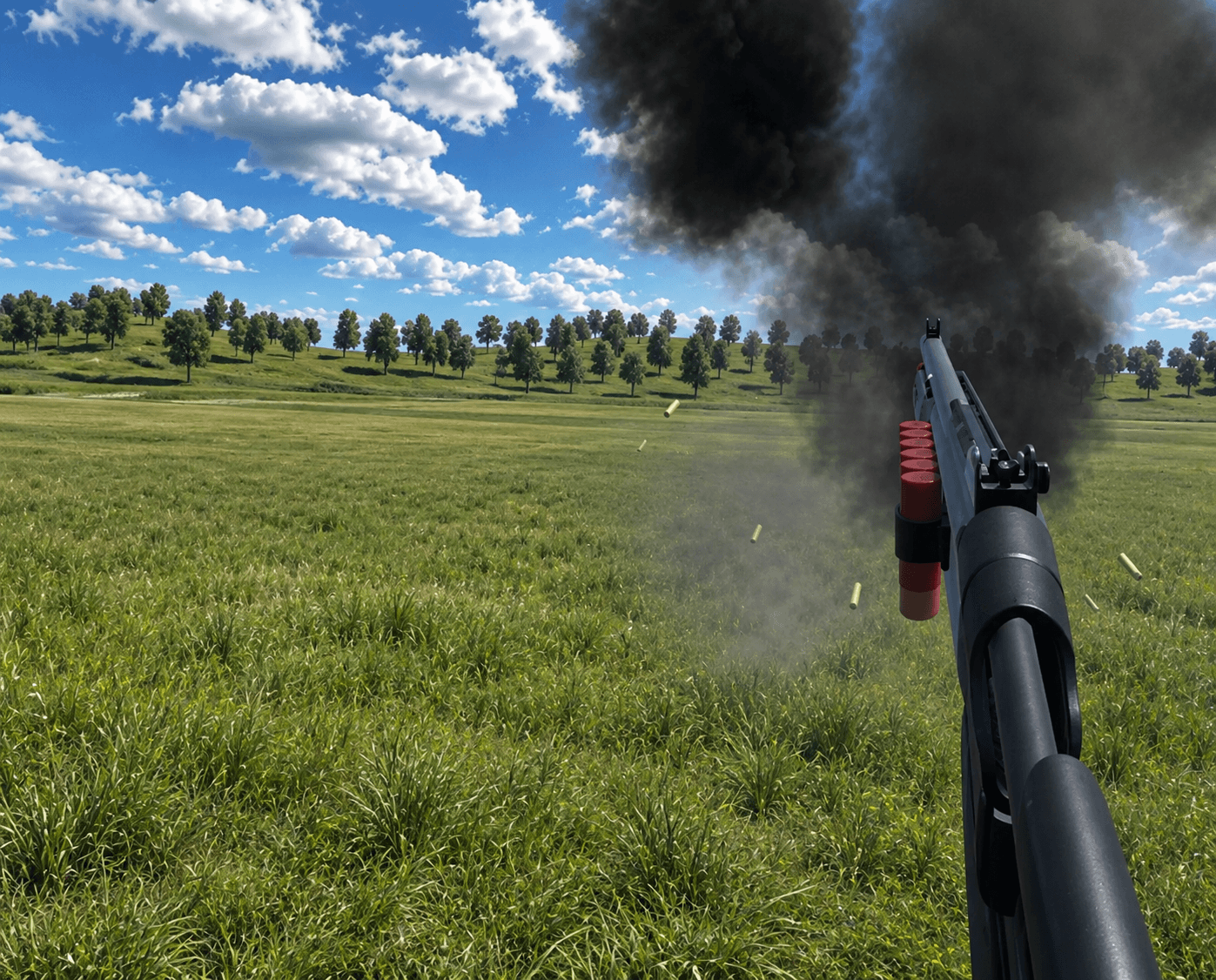
Software forms the environment: a range, room, urban area, open terrain or specialized location. Time, weather and visibility can change how the target is found and the exercise is performed.
For a VR trainer, software creates the spatial environment experienced through a headset and training equipment. VR is the interaction method; software defines the exercise logic.
Modeling targets and threats
In military simulators a target can move or fly. Software sets its type, position, speed, altitude, route and other characteristics for the task.
For FPV counter-training, small aerial-target movement matters. For MANPADS or mobile air-defense teams, software models aerial targets and the operator or crew sequence.
Ballistics and weapon modeling
In firearms trainers, software can model weapons, ammunition and shot results. A ballistic model connects actions with a predictable virtual outcome.
Parameters depend on the system: small-arms trainers may model weapon, ammunition and aiming characteristics, while specialized systems model their own weapon class. Evaluate the model for the actual task.
Instructor interface and training control
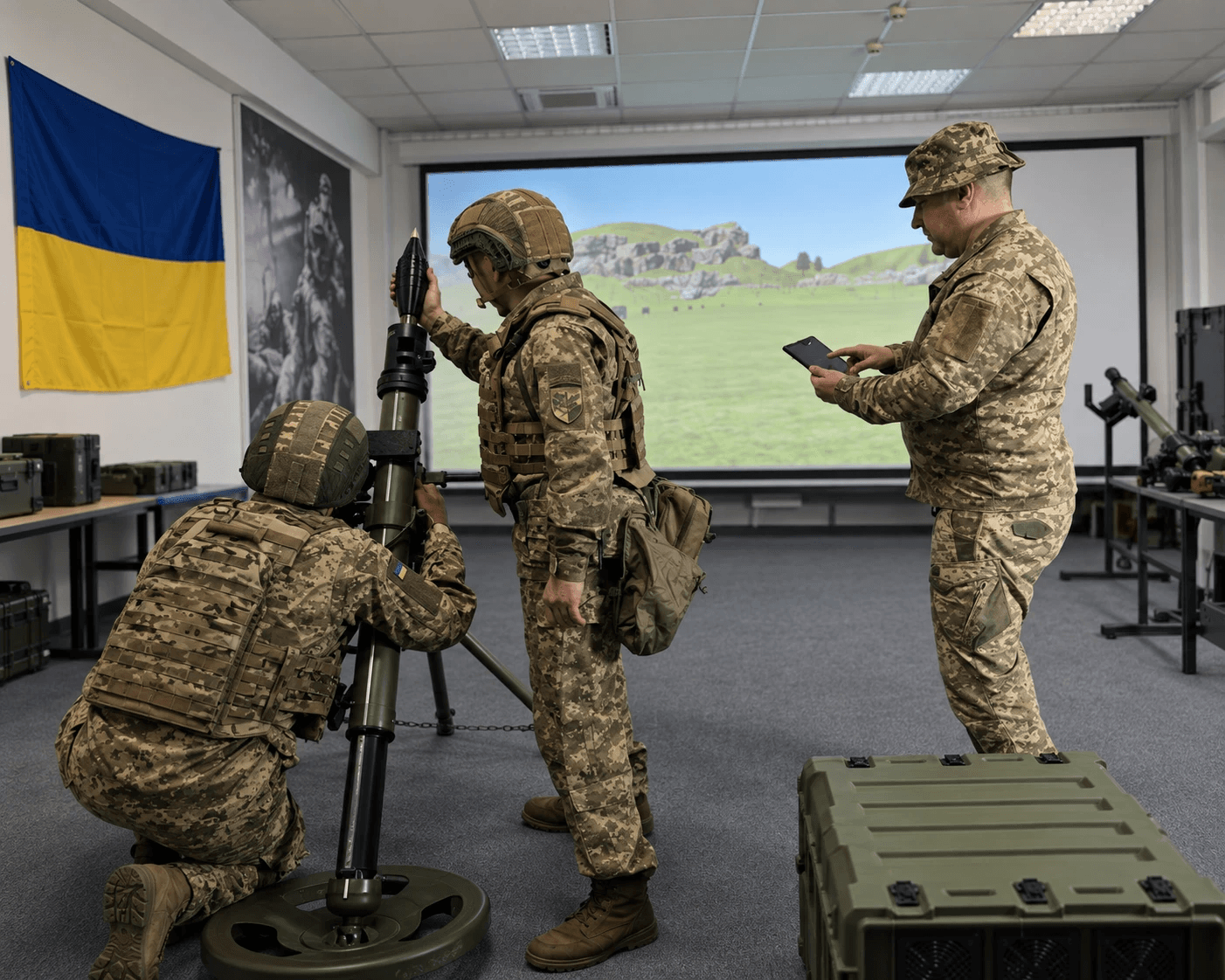
The instructor interface is a key software component. It prepares exercises, sets available scenario parameters, starts training and monitors it.
Some systems show the user’s field of view, allow real-time changes or return to an episode for review. Functions differ, so verify actual actions rather than a label.
Recording results and After-Action Review
After an exercise, software may record hits, misses, stages, user errors or a summary report. International terminology often calls this an After-Action Review (AAR); data and analysis depend on the system.
What matters is using data to review errors, repeat exercises and assess progress, not the number of indicators alone.
How military simulation software differs from a game
A military simulator may use 3D graphics or VR like entertainment products. Its difference is purpose: software is built around a training task and works with equipment, mockups and instructor tools.
The key factors are action sequence, scenario parameters, equipment interaction and training control. That distinguishes military training simulator software from entertainment software.
What software capabilities VARTA.SYSTEMS implements
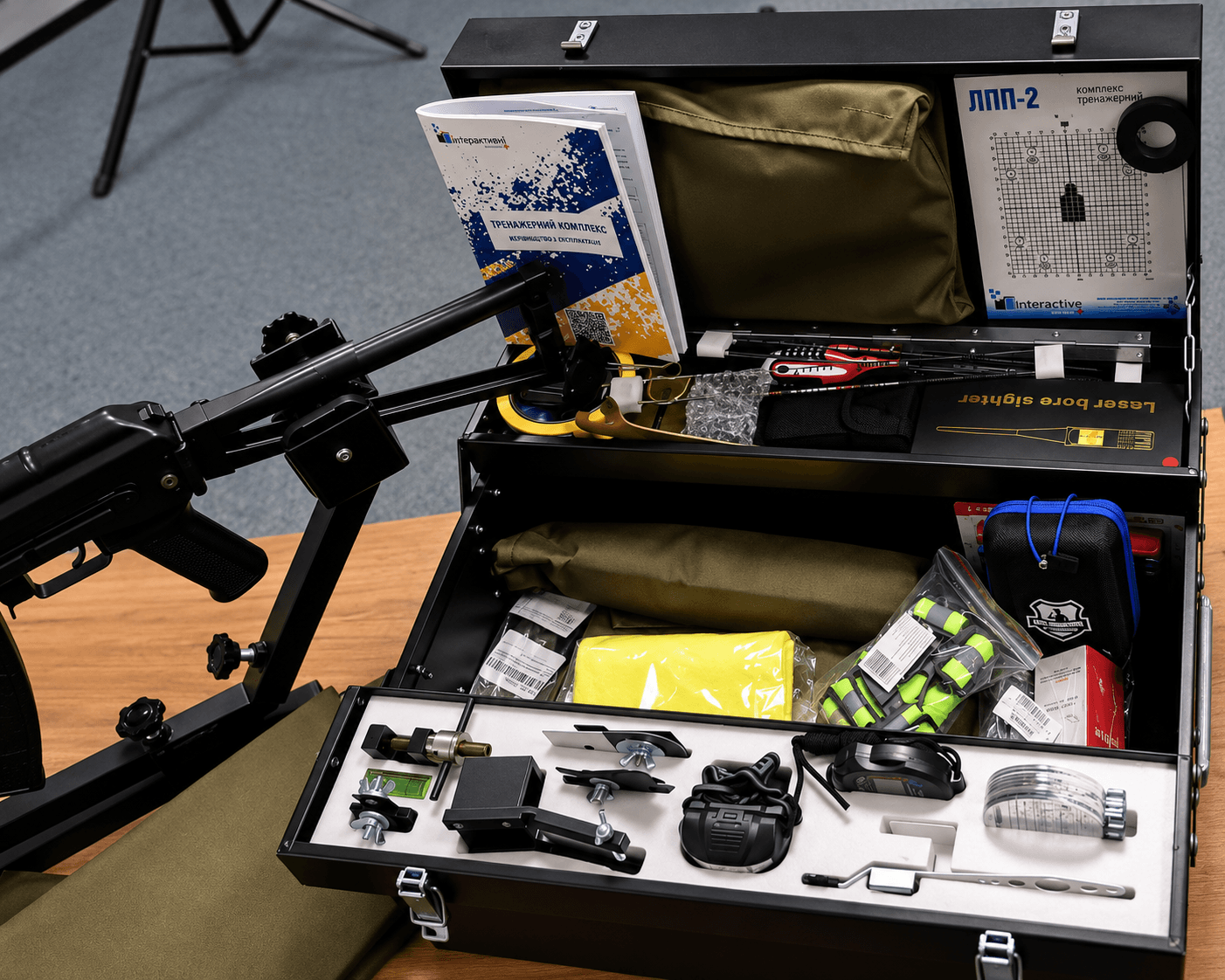
In VARTA.SYSTEMS complexes, software is part of one system with hardware and training mockups. It covers exercise setup, environment, scenario, weapons and instructor control; the exact set depends on the complex.
VARTA Mobile works with locations, environments, weapons and scenarios. Mechanized Unit allows target type, count and behavior to be set. VARTA MANPADS configures terrain, operator position, aerial targets and exercise conditions.
VARTA Mobile Air-Defense Group controls scenarios, aerial targets and combat conditions. VARTA Counter-Drone configures FPV targets, shooter weapons and environment; FPV Duel adds an active pilot and their point of view.
Why software differs between trainers
MANPADS operators, shooters, air-defense crews and anti-FPV trainees perform different actions. Software must therefore model different targets, weapons and exercise logic.
VARTA.SYSTEMS shapes functionality for each complex rather than applying one identical settings set. Software is a core part of the training system, not an accessory.
What to check in trainer software before choosing
Check which scenarios the instructor can create, which environment and target parameters can change, what data is recorded, how results are analyzed and whether software fits the training program.
API, HLA/DIS, SCORM, LVC and LMS integration describe industry options or standards; they cannot be assumed in every simulator. Technical evaluation requires the specific manufacturer’s documentation.
VARTA software as part of a training system
VARTA.SYSTEMS develops software as part of each training solution, together with hardware, training equipment and exercise logic. It defines scenarios, conditions, target behavior, instructor controls and reviewable results.
Choosing a military trainer means evaluating the whole system: equipment, software and training capabilities.
Frequently asked questions
It runs the exercise and can model location, conditions, targets, weapons and user results.